
Product overview
What is Rectify?
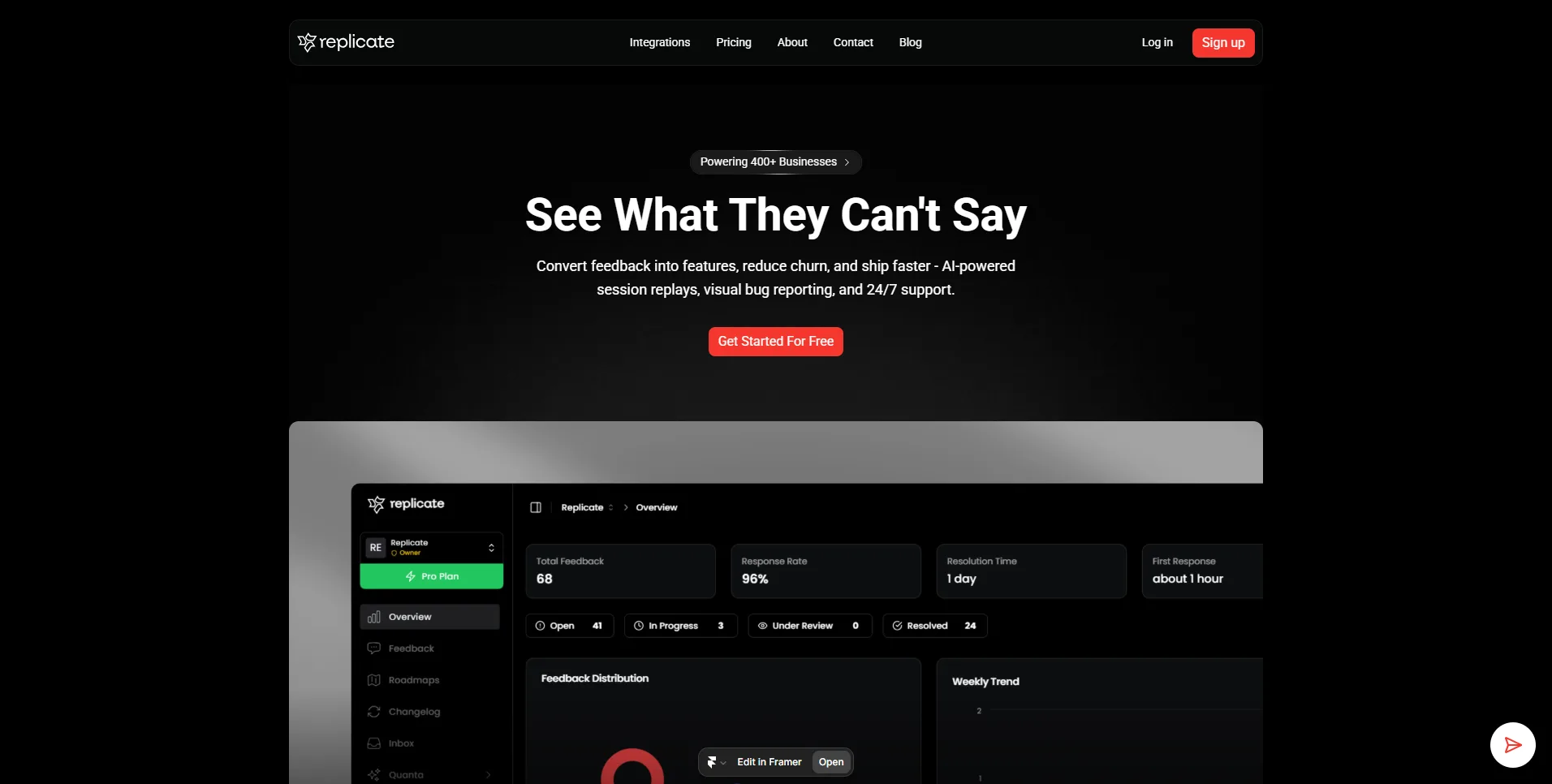
Rectify is an operations and product-support platform for SaaS founders and teams. It combines uptime monitoring, status pages, session replay, bug reports, a support inbox, code scanning, product feedback, roadmaps, changelogs, automation workflows, and agent management in one visual workspace.
Its Quanta operations agent lets users query sessions in natural language, draft contextual support replies, retrieve scan or uptime reports, generate release notes, and move roadmap work. Teams can link a support request to the corresponding user session or trace an issue from a code scan into product planning. Automated suggestions and scans still require validation before teams communicate with users or change production systems.
How to Use Rectify
- Create a project and install the relevant session, feedback, repository, and monitoring integrations.
- Configure uptime checks, alerts, support modes, user permissions, and data collection boundaries.
- Capture user feedback and technical context such as console, network, browser, and replay data.
- Ask Quanta to investigate sessions, draft replies, summarize incidents, or coordinate product updates.
- Review proposed actions, verify defects, and connect validated work to the roadmap and changelog.
Core Features
- Quanta operations agent: Searches cross-product context and performs supported operations through conversation.
- Session replay and bug reporting: Captures user journeys, annotated evidence, logs, network activity, and browser details.
- Uptime monitoring: Checks HTTP, HTTPS, TCP, DNS, ICMP, and certificate status with alerts and status pages.
- Code scanning: Flags bugs, security vulnerabilities, code smells, and maintainability issues in connected repositories.
- Support and feedback: Combines AI-assisted replies, escalation modes, product feedback, and feature voting.
- Roadmaps, changelogs, and workflows: Coordinates planning, release communication, and logged cross-module automation.
Use Cases
- Customer issue diagnosis: Connect a complaint to the session, logs, requests, and browser state that produced it.
- Founder operations: Manage support, reliability, feedback, planning, and releases without switching across several products.
- Incident communication: Detect uptime failures, alert the team, and publish updates through a status page.
- Code-quality triage: Scan repositories and route validated findings into remediation and roadmap workflows.
Pricing
Idea is free for one user and one project with limited usage. Monthly plans are Build at $29 for up to three users and projects, Launch at $59 for up to 10, and Accelerate at $99 for up to 25. Annual billing advertises a 20% saving, and paid plans have a 14-day trial without a credit card. A $699 Believer plan provides lifetime access to Accelerate, while Enterprise is custom priced. AI can use customer-provided model keys with no Rectify markup.
Frequently Asked Questions
What data can Rectify capture in a bug report?
Depending on configuration, it can include screenshots or recordings, console logs, network requests, browser information, runtime errors, and user actions. Teams should configure consent, retention, and access appropriately.
Can Quanta answer questions about session replays?
Yes. Users can ask for sessions with conditions such as errors, rage clicks, or drop-offs instead of building filters manually.
Does code scanning replace security review?
No. Static-analysis findings and AI recommendations should be verified alongside dependency checks, testing, threat modeling, and the team's normal security process.