Product overview
What is PageOn.AI?
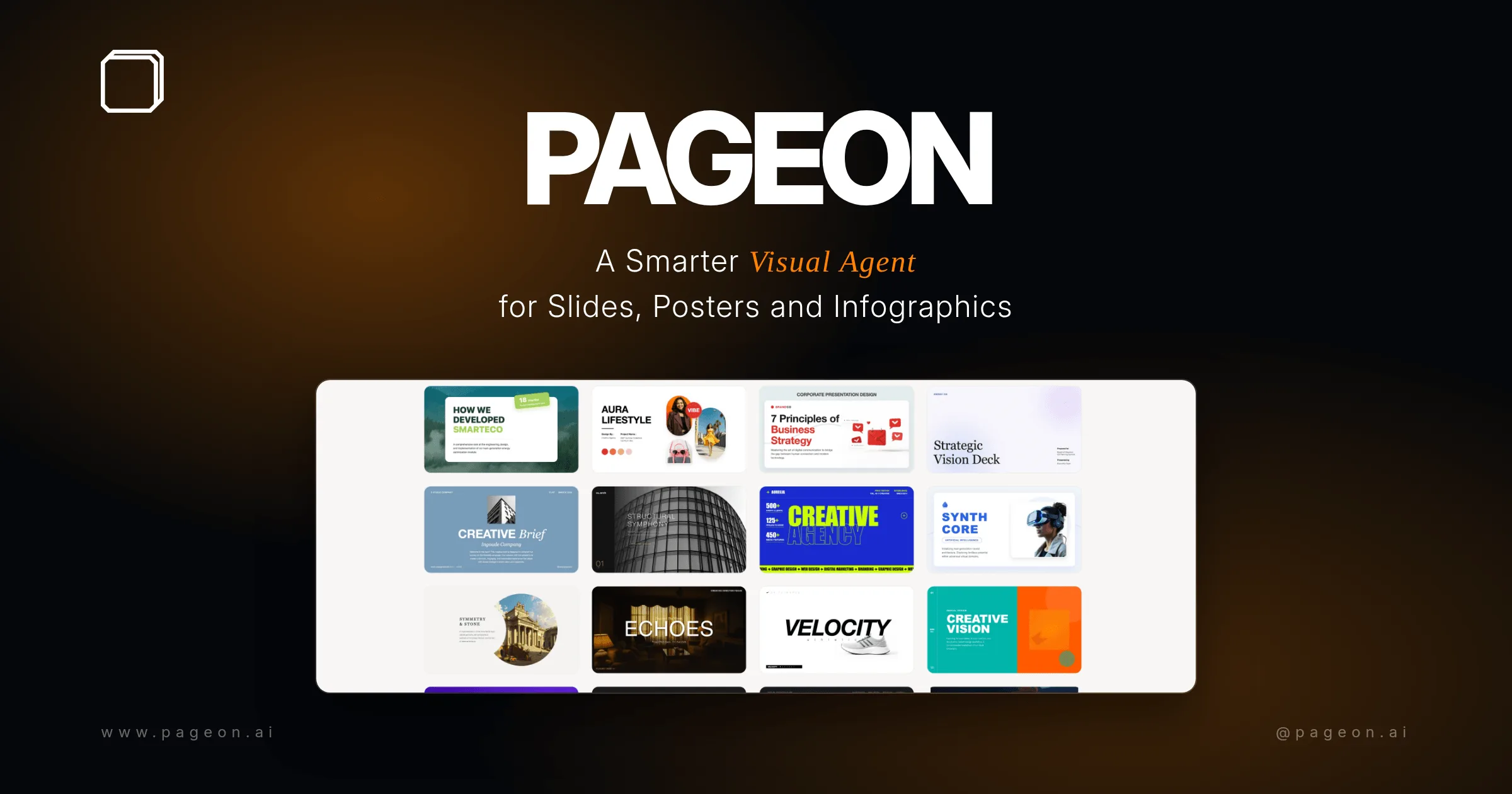
PageOn.AI is an AI presentation and infographic maker that converts a topic, outline, pasted text, webpage, or supported file into a visual narrative. Instead of applying the same slide template repeatedly, its design engine interprets arguments, evidence, comparisons, processes, and numerical data, then assigns layouts and visual elements to each page.
The platform can generate charts, timelines, diagrams, infographic blocks, posters, and interactive web pages. Users refine individual elements through chat, apply brand colors, fonts, and logos, share a web link, or export paid projects to editable PowerPoint, PDF, and image formats.
How to Use PageOn.AI
- Enter a topic or paste an outline, notes, article, or source content.
- Specify the audience, purpose, language, tone, and desired length.
- Review the proposed storyline and generated visual pages.
- Use chat or direct editing to correct facts, rearrange sections, and adjust visuals.
- Share the interactive link or export the approved result in a supported format.
Core Features
- Narrative planning: Identifies arguments, evidence, transitions, and a page-by-page storyline.
- Custom visual layouts: Designs each page according to its content instead of repeating one template.
- Automatic data visualization: Converts numbers, trends, comparisons, and processes into charts and diagrams.
- Multi-source input: Accepts text, topics, web content, Word, CSV, PDF, Markdown, and images.
- Conversational refinement: Lets users request changes to slides and elements through chat.
- Sharing and export: Publishes interactive links and supports paid PowerPoint, PDF, and image exports.
Use Cases
- Business presentations: Turn a brief, report, or strategy outline into a client-ready visual story.
- Educational material: Create lessons, explainers, diagrams, and infographic summaries.
- Marketing content: Produce visual reports, social graphics, posters, and branded presentations.
- Data storytelling: Convert tables and numerical findings into charts and explanatory layouts.
Pricing
The Free plan requires no credit card and includes one file with AI design features, an interactive sharing link, and a PageOn watermark. Pro costs $9.99 per month when billed monthly or $7.49 per month when billed annually. It includes unlimited files, PowerPoint, PDF and image export, watermark removal, team sharing, and priority model access.
Frequently Asked Questions
Can PageOn.AI export to PowerPoint?
Yes. Pro users can export editable PowerPoint files as well as PDF and high-resolution images.
Does PageOn.AI support languages other than English?
Yes. The product states that users can provide source text and refine presentations in many languages. Generated facts and translations should still be reviewed.
Does it verify the accuracy of generated slides?
Users should check claims, numbers, citations, and visual interpretations against the original sources before presenting or publishing the result.