Product overview
What is Lindy?
Lindy is an AI assistant for work that proactively manages email, meetings, calendar activity, and connected business processes. It is designed for professionals and teams that want routine coordination handled across the apps they already use, while keeping attention on higher-value work.
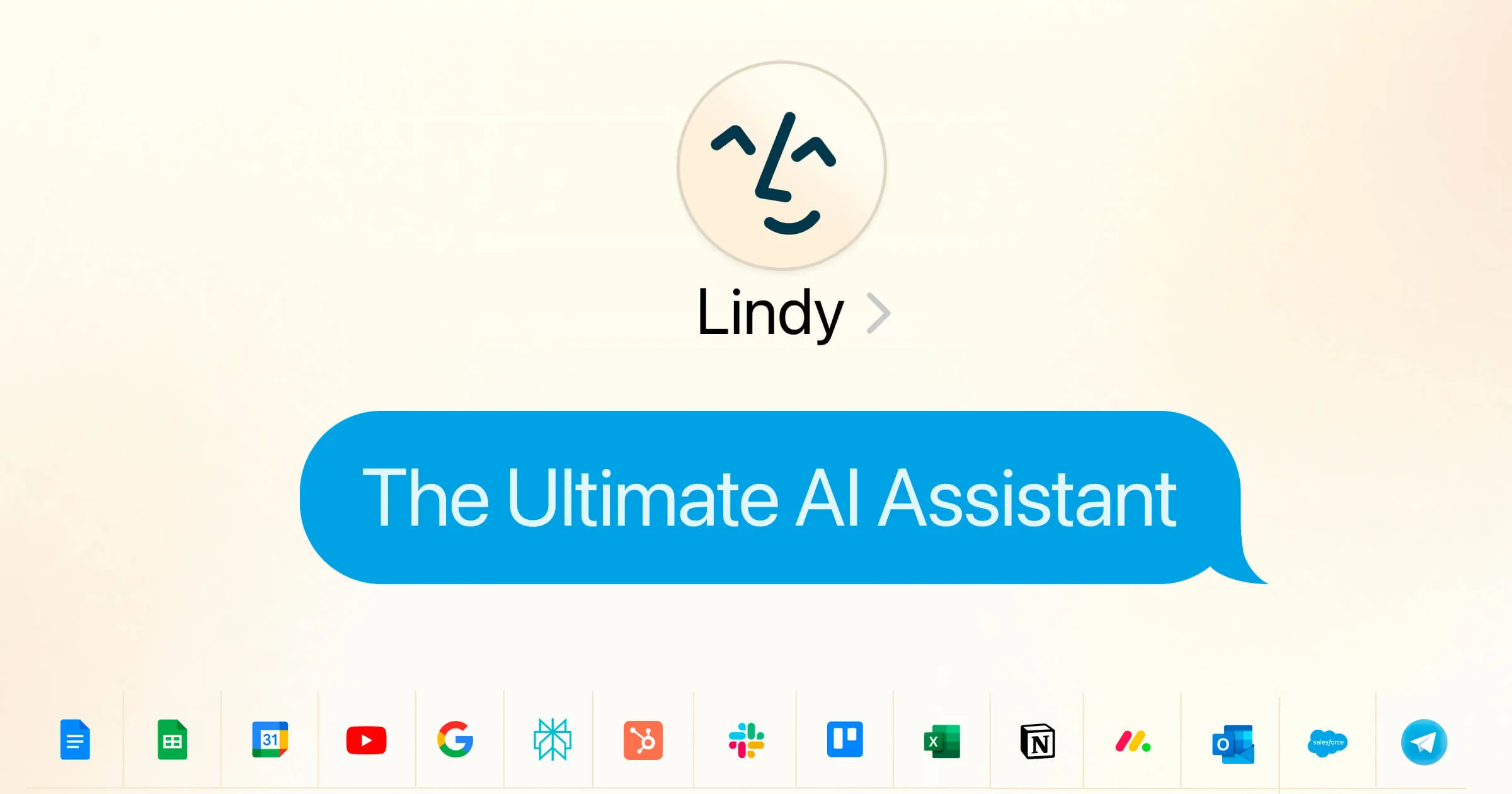
The platform supports workflows for sales, marketing, support, recruiting, meetings, voice, finance, real estate, healthcare, and other business functions. Hundreds of integrations allow a Lindy to read information in one service, compare it with context from another, and prepare or carry out the next step. The site gives the example of reading Slack, cross-referencing a calendar, and drafting a Gmail response without a new prompt.
How to Use Lindy
- Start a workspace and choose the assistant or business workflow to automate.
- Connect the email, calendar, messaging, and other apps involved in the task.
- Configure the Lindy's instructions and the actions it may take.
- Run the workflow and review its handling of messages, meetings, calls, or records.
- Refine the setup as the assistant is used across recurring work.
Core Features
- Inbox management: Helps process messages and prepare responses.
- Calendar and meeting support: Coordinates scheduling and meeting-related work.
- Proactive workflows: Uses connected context to take the next step without requiring a separate prompt each time.
- App integrations: Connects hundreds of services across communication and business operations.
- Reusable agents: Supports assistants for sales, marketing, support, recruiting, voice, and other functions.
Use Cases
- Executive assistance: Professionals can reduce manual email, calendar, and meeting coordination.
- Sales operations: Teams can connect communication and scheduling steps around prospects.
- Customer support: Businesses can automate recurring service workflows across connected tools.
- Recruiting: Hiring teams can coordinate candidate communication and meetings.
Pricing
The website offers a seven-day free trial and states that it can be canceled at any time.
Frequently Asked Questions
Which tasks does Lindy focus on?
The homepage emphasizes inbox management, meetings, calendars, phone calls, email automation, and meeting recording, alongside workflows for several business teams.
Can Lindy work across multiple apps?
Yes. The site describes hundreds of integrations and workflows that combine information and actions across connected services.