
Product overview
What is Inbox Zero?
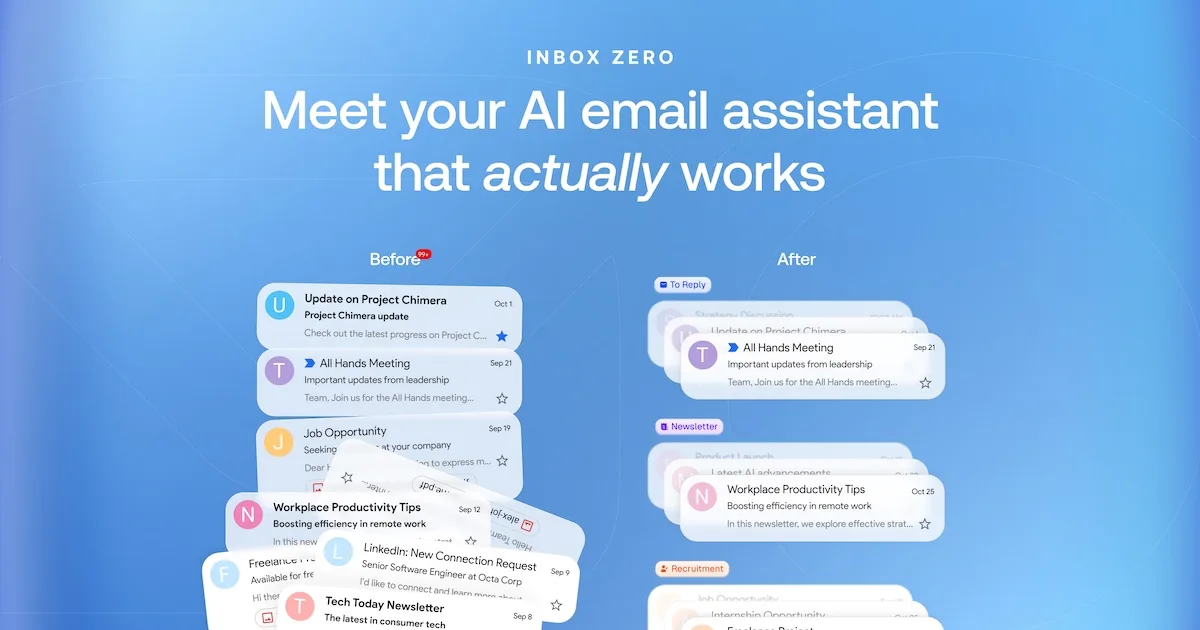
Inbox Zero is an open-source AI executive assistant for email and calendar work. Users connect a Google or Microsoft mailbox, define categories and rules in plain English, and let the assistant label incoming messages and prepare replies in their voice. Drafts can use email history, calendar availability, CRM context, and a knowledge base while remaining available for the user to review before sending.
Beyond replies, the product helps bulk-unsubscribe from unread mail, block cold outreach, identify messages that need attention, generate email analytics, and automatically file incoming PDFs, receipts, and contracts into Google Drive or OneDrive folders. Users can work from the web, Slack, or Telegram, and organizations can self-host the open-source version for greater infrastructure and data control.
How to Use Inbox Zero
- Connect a Gmail or Outlook account through the supported authorization flow.
- Accept the default smart categories or describe custom inbox rules in plain English.
- Review labels and reply drafts while the assistant learns the desired workflow and tone.
- Connect the calendar, CRM, storage, Slack, or Telegram when those contexts are needed.
- Use bulk unsubscribe, cold-email blocking, attachment filing, and analytics to reduce clutter.
- Keep review enabled for sensitive communication and adjust rules when a classification or draft is wrong.
Core Features
- Automatic organization: Labels incoming email with default or custom categories.
- Reply drafting: Prepares responses in the user's tone from email history and connected context.
- Calendar-aware writing: Uses actual availability when drafting scheduling messages.
- Bulk unsubscribe: Finds low-value subscriptions and archives them after unsubscribe.
- Cold-email blocking: Separates or blocks unsolicited outreach.
- Attachment filing: Saves PDFs, receipts, and contracts into the correct cloud folder.
- Inbox analytics: Reports top senders, volume patterns, and sources of inbox clutter.
- Open-source self-hosting: Lets organizations inspect the code and run the service on controlled infrastructure.
Use Cases
- Executive inbox management: Prioritize important messages and prepare replies before the workday begins.
- Founder and sales communication: Draft contextual replies while preserving human approval.
- Newsletter cleanup: Unsubscribe from and archive content that is rarely opened.
- Document operations: Route invoices, contracts, and reports into appropriate storage folders.
- Team email analytics: Identify volume, response, and sender patterns across a growing organization.
- Data-controlled deployment: Self-host with selected models and infrastructure when policy requires it.
Privacy and Pricing
Inbox Zero says customer data is not used for AI training, lists SOC 2 Type 2 certification, and provides open-source self-hosting. Hosted processing can still involve configured AI providers, so organizations should review current subprocessors, access scopes, retention, and model settings for their deployment.
Annual-billing prices are listed at $18 per user per month for Starter, $28 for Plus, and $42 for Professional, each with a seven-day free trial. Starter includes core sorting, drafts, blocking, unsubscribe, analytics, and briefings. Plus adds two email accounts, Slack, digests, attachment filing, and unlimited knowledge base. Professional adds team analytics, priority support, and onboarding. Enterprise pricing is custom.
Frequently Asked Questions
Does Inbox Zero send every draft automatically?
The main workflow prepares drafts for review. Users should keep approval controls for sensitive or high-impact messages.
Can Inbox Zero be self-hosted?
Yes. The product is open source and provides a self-hosting path with configurable model providers.
Which email services can be connected?
The current setup flow lists Google and Microsoft email accounts.