Product overview
What is HeyHelp?
HeyHelp is an AI email assistant that works inside Gmail for individuals and teams that spend significant time processing messages. It reduces repetitive inbox work by sorting email, drafting replies, tracking follow-ups, and preparing calendar events without requiring users to switch to a separate application.
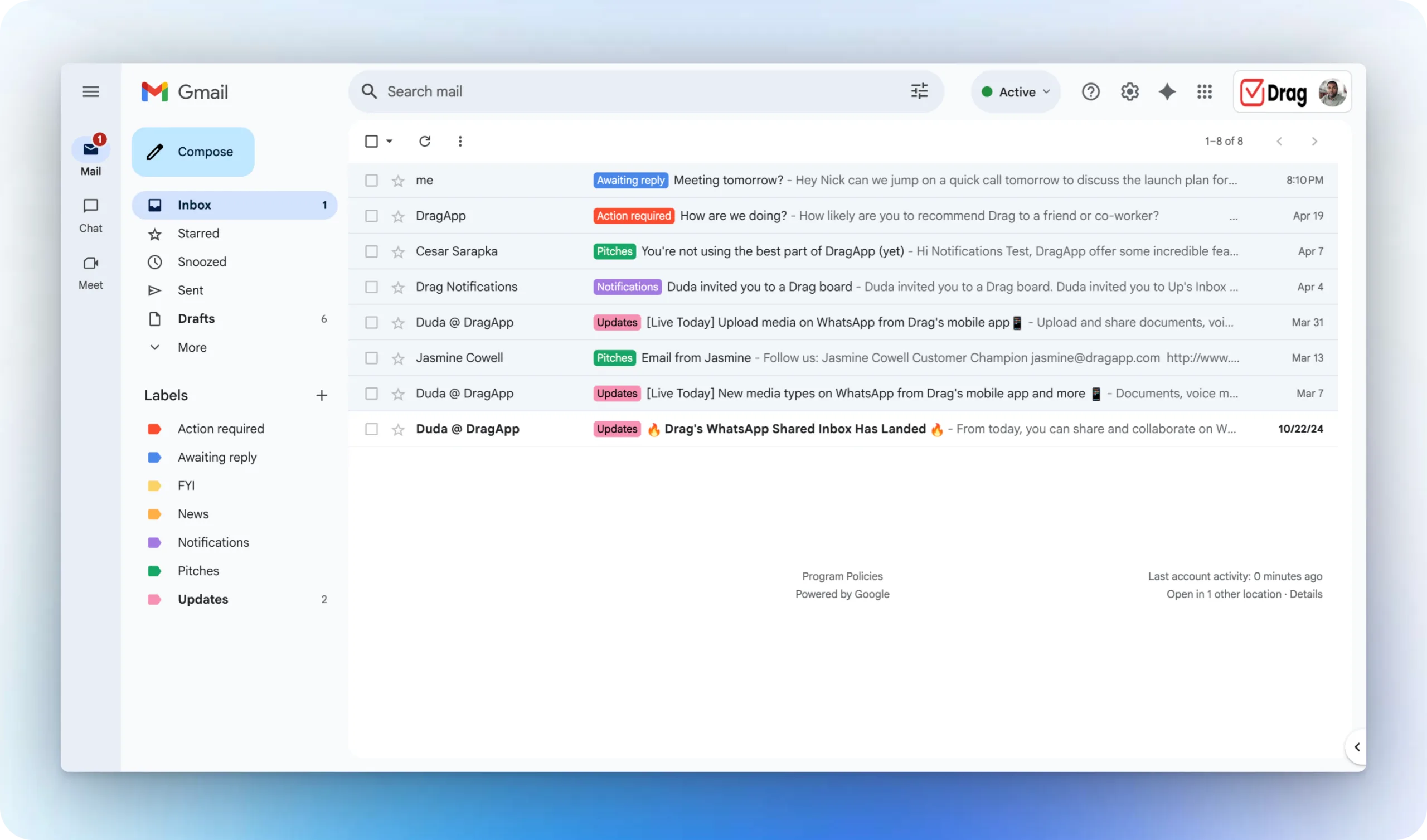
The assistant filters noise such as spam and promotions, applies actionable labels, and archives messages. It drafts responses based on the user's writing style, workflows, and priorities, but leaves the final review and send action to the user. For scheduling, HeyHelp reads email context and creates draft events with a title, description, and attendees for confirmation. It can also synchronize contacts, tasks, and notes with CRM and other connected tools.
How to Use HeyHelp
- Connect HeyHelp to a Gmail account.
- Allow it to sort, label, and archive incoming messages according to inbox priorities.
- Review AI-generated reply drafts inside Gmail and send or edit them.
- Use automated follow-ups to keep conversations moving.
- Confirm calendar-event drafts generated from email context and sync relevant activity with connected CRM tools.
Core Features
- AI inbox sorting: Filters noise and organizes messages into actionable labels.
- Reply drafting: Prepares email responses in the user's voice for review before sending.
- Adaptive behavior: Learns writing style, workflows, and priorities from ongoing use.
- Follow-up management: Handles timely follow-ups for conversations that require a response.
- Calendar assistance: Creates draft events with titles, descriptions, and attendees from email context.
- CRM synchronization: Keeps contacts, tasks, notes, and email activity aligned with connected tools.
Use Cases
- Executive inbox management: Busy professionals organize incoming mail and review prepared replies.
- Sales follow-up: Teams keep prospect conversations moving without manually tracking every response.
- Meeting scheduling: Users turn email discussions into draft calendar events for confirmation.
- CRM administration: Customer-facing teams reduce duplicate entry across email and CRM systems.
- Team email productivity: Organizations automate repetitive inbox tasks while employees remain in Gmail.
Pricing
The homepage advertises HeyHelp Connect lifetime access for a one-time payment of $199. It also offers a free trial without requiring a credit card.
Frequently Asked Questions
Does HeyHelp send drafted replies automatically?
The documented workflow says users review AI drafts in Gmail and then send them.
Which AI providers can power HeyHelp?
The site lists Google Gemini, OpenAI, and Anthropic and says users can switch between them.
Does HeyHelp work outside Gmail?
Its main interface is inside Gmail, while CRM and other tool connections synchronize contacts, tasks, and notes.
What security details are listed?
HeyHelp is described as a Google Verified App with CASA Tier 2 certification and end-to-end encryption.