Product overview
What is BuildShip?
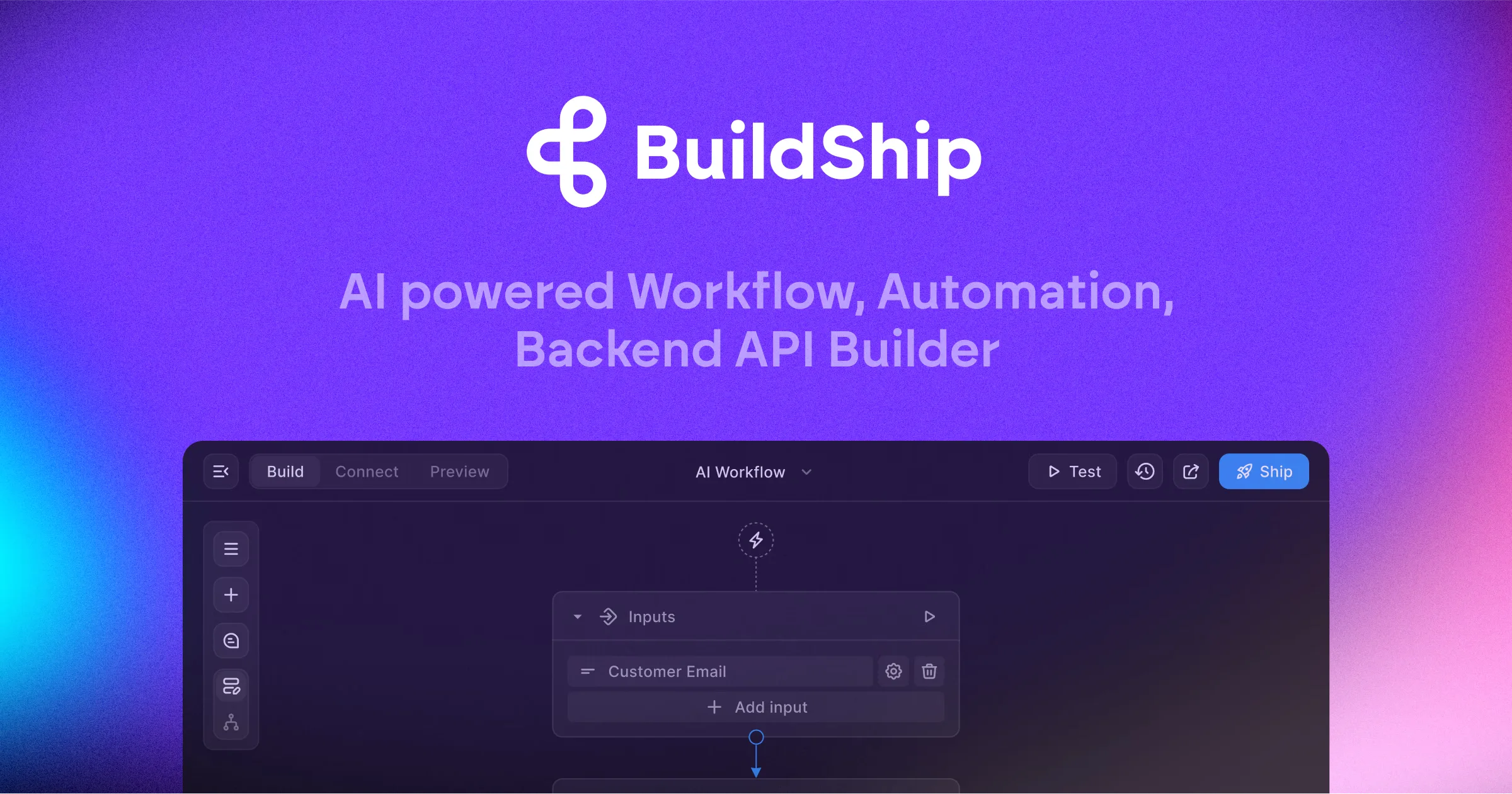
BuildShip is an AI-powered visual workflow builder for creating backend APIs, automation flows, and tools used by AI agents. A user can describe a workflow in natural language, let the AI generate the flow and its nodes, then inspect and modify the logic in a visual editor. The platform combines no-code assembly with access to the code behind every node and flow.
Workflows can connect AI models, databases, communication services, storage systems, and other business tools through ready-made nodes. BuildShip also supports custom nodes, uploaded API specifications, scripts, API-based triggers, schedules, database events, and custom triggers. Finished workflows can run on BuildShip Cloud, be exported as modular JavaScript, or be deployed in the customer's own environment.
How to Use BuildShip
- Describe the workflow, backend API, or agent tool you want to create in natural language.
- Review the generated nodes and flow logic, connect inputs and outputs, add integrations or custom code, and test the workflow in the visual builder.
- Launch it on BuildShip Cloud, export the code for self-hosting, or deploy it in another supported environment.
Core Features
- Prompt-to-flow generation: Converts a natural-language description into flow logic and connected nodes.
- Visual workflow editor: Lets users connect, modify, and test nodes without working only in raw code.
- Full code access: Exposes code for individual nodes and complete workflows for customization and debugging.
- Integration nodes: Connects AI models, databases, storage, messaging, developer tools, and other services.
- Flexible triggers: Runs workflows through APIs, scheduled jobs, database events, or custom trigger logic.
- Cloud or self-hosted deployment: Supports BuildShip hosting, JavaScript export, VPCs, and deployment in customer-controlled infrastructure.
Use Cases
- AI agent tools: Developers can create callable APIs and actions that let agents work with external systems.
- Backend automation: Operations teams can connect data and services to automate recurring processes.
- AI data workflows: Teams can build multimodal flows for text, documents, images, audio, or video.
- Internal APIs: Developers can turn a visual workflow into a hosted or self-hosted backend endpoint.
- Sensitive-domain workflows: Organizations can export and deploy workflows behind their own firewall or in a VPC.
Frequently Asked Questions
Can BuildShip workflows be self-hosted?
Yes. The official site says workflows can be exported as modular JavaScript and deployed in environments such as Vercel, GCP, AWS, Azure, or a custom MCP server.
Does BuildShip provide code access?
Yes. Users can inspect and edit the code for nodes and flows rather than being restricted to the visual interface.
What can trigger a workflow?
The homepage lists APIs, scheduled jobs, database events, and custom triggers.