Product overview
What is BrowserAct?
BrowserAct is a browser runtime and automation layer for AI agents working on real websites. It lets an agent navigate pages, click, type, upload files, extract structured data, reuse authenticated sessions, and run several isolated browser tasks in parallel. Instead of returning a raw DOM, it exposes a compact indexed page structure designed to reduce context use and give language models stable action targets.
The runtime supports local Chrome profiles with existing cookies, SSO, and extensions; rotating stealth profiles for bulk scraping; and fixed browser identities for multi-account workflows. Anti-blocking features include fingerprint isolation, TLS rotation, residential proxies, automated CAPTCHA handling, and remote human assistance for 2FA or other hard stops. Sensitive profile, proxy, and human-assisted actions require confirmation by default.
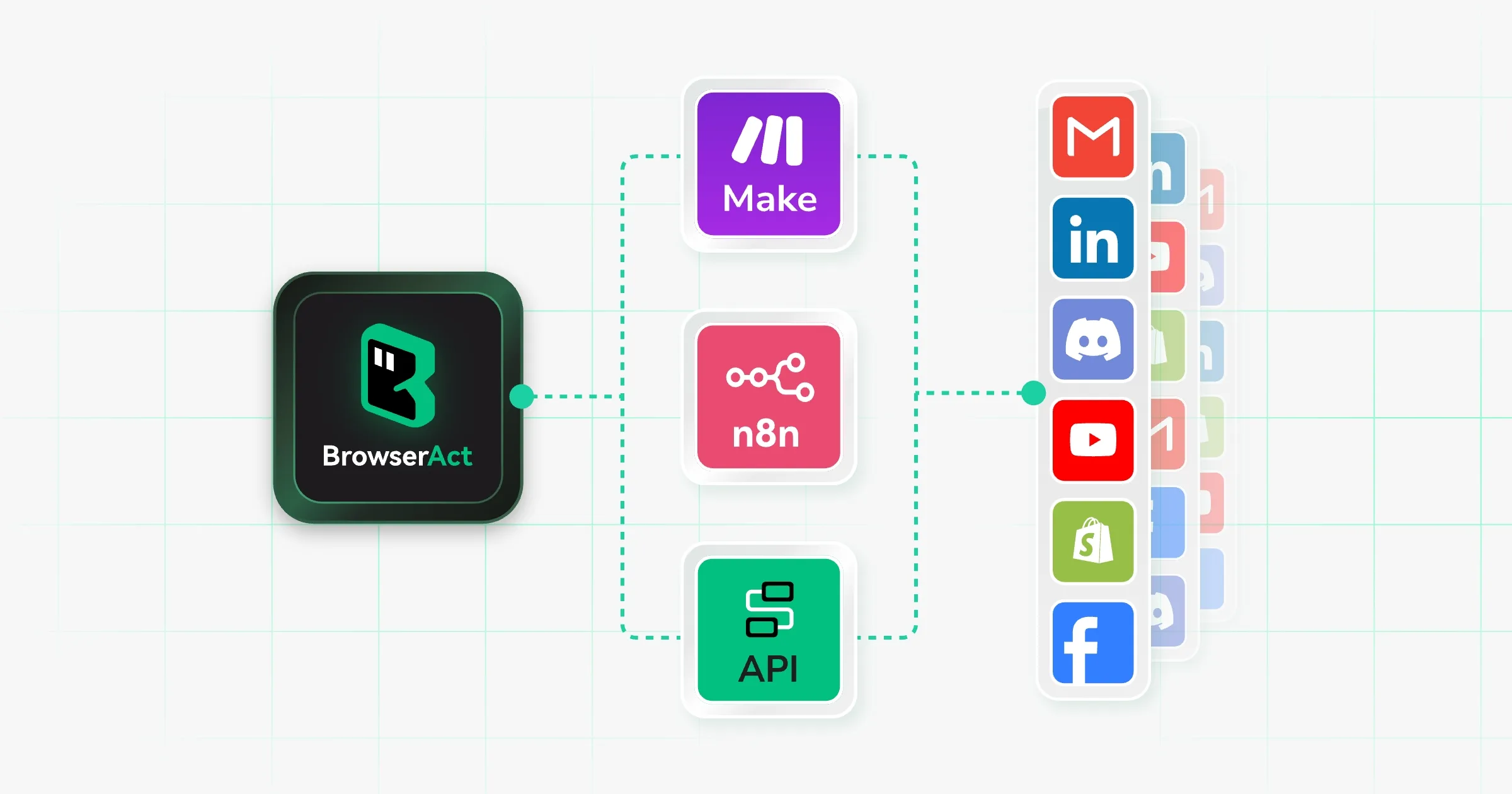
BrowserAct can be installed as a local agent skill, configured through a workflow canvas, or called through an API or MCP connection. It also integrates with automation tools such as Make, n8n, and Zapier.
How to Use BrowserAct
- Install the BrowserAct CLI or skill for the target AI agent.
- Choose local Chrome, a rotating stealth profile, or a fixed identity based on the workflow.
- Describe the browser task and the structured data or action required.
- Confirm sensitive setup, authentication, proxy, or human-assisted steps.
- Run the task and review the returned indexed data, exported file, or completed browser action.
- Convert repeatable work into a workflow or connect it through API or MCP.
Core Features
- Agent-native page data: Returns clean, indexed web structure instead of a large raw DOM.
- Browser command execution: Supports navigation, clicks, input, uploads, waits, and extraction.
- Identity isolation: Keeps browser fingerprints, cookies, proxies, and workspaces separate.
- Login reuse: Lets agents work inside existing local Chrome sessions with SSO and extensions.
- CAPTCHA and human handoff: Automates common challenges and pauses for remote assistance when needed.
- Parallel execution: Runs multiple agents and accounts without sharing session state.
Use Cases
- Authenticated portal work: Agents export reports or update systems through an existing login.
- Bulk web extraction: Teams collect product, directory, or market data with rotating identities.
- Multi-account operations: Operators assign stable browser identities and proxies to separate accounts.
- Agent product integration: Developers add browser tasks through API or MCP.
- No-code workflows: Teams build visit, click, and extraction sequences on a visual canvas.
Pricing
BrowserAct offers a seven-day free trial and a free local-browser option without a credit card. Infrastructure uses credits: local fingerprint browsers cost 100 credits per profile, dynamic residential proxy traffic costs 5,000 credits per GB, and workflow execution costs 5 credits per step. The pricing page lists effective rates as low as $0.064 per browser, $3.20 per GB, and $0.0032 per workflow step depending on the credit plan.
Frequently Asked Questions
Can BrowserAct reuse an existing login?
Yes. Local Chrome mode can reuse cookies, SSO, extensions, and trusted sessions.
What happens when a website requires 2FA?
Remote Assist can hand control to a person through a live link and return the browser to the agent afterward.
Can BrowserAct connect to an existing application?
Yes. It offers API and MCP access in addition to local agent skills and workflows.