
Product overview
What is Agent Zero?
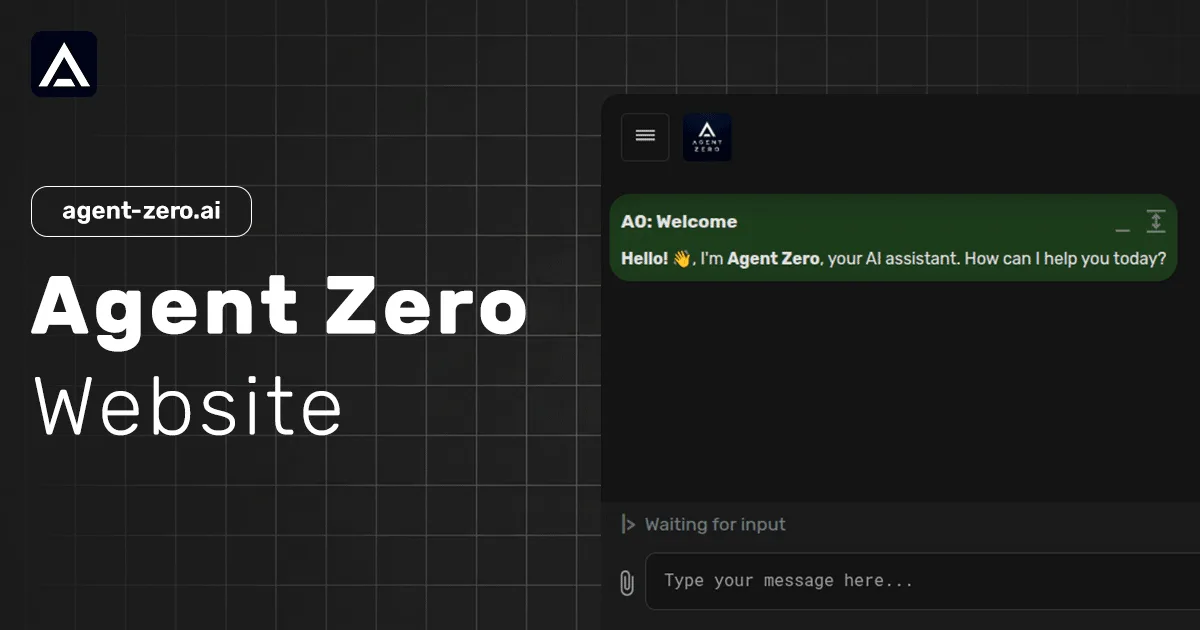
Agent Zero is an open-source agentic AI framework and computer assistant for building and operating specialized autonomous agents. It runs agents in their own computing environment, allows them to use or create tools, and exposes their workflows rather than presenting execution as a closed black box. The project can run locally or remotely, including through Docker, and supports a range of model providers.
Agent Zero combines deterministic software execution, dynamic tool creation, context engineering, memory and knowledge management, plugins, and local-file or browser access through its CLI connector. It is intended for users who want to own and customize an assistant for tasks such as research, development, data analysis, writing, or security testing.
How to Use Agent Zero
- Choose the A0 Launcher, the macOS/Linux installer, the Windows PowerShell installer, or the provided Docker command.
- Install and start an Agent Zero instance locally or remotely.
- Configure the desired model provider and the agent's prompts, context, tools, knowledge, or plugins.
- If local file, terminal, or browser access is needed, connect the sandboxed Docker instance through A0 CLI.
- Give the agent a task and review its visible workflow, tool use, and results.
Core Features
- Autonomous execution: Runs agents that can plan work, use tools, learn from results, and self-correct.
- Dynamic tool creation: Lets agents create tools needed for a task instead of relying only on a fixed tool list.
- Local and remote instances: Supports desktop management, direct installers, and Docker deployments.
- Context and memory: Provides prompt structure, context engineering, RAG, and knowledge management for specialized assistants.
- CLI connector: Connects a sandboxed agent to local terminal commands, project files, and browser activity.
- Plugin system: Includes a Plugin Hub, plugin updates, security scans, and tools for building and publishing custom extensions.
Use Cases
- Software development: Developers create specialized agents for applications, code work, and custom technical workflows.
- Research and analysis: Users gather information, review literature, analyze data, and generate findings.
- Content production: Writers create and edit material ranging from blog posts to technical documentation.
- Security assessment: Teams run automated security sweeps, vulnerability analysis, and remediation guidance.
- Private local assistance: Users run a customizable assistant in their own environment and retain control over files, models, tools, and knowledge.
Frequently Asked Questions
Is Agent Zero open source?
Yes. The official site describes Agent Zero as an open-source AI framework and links to its public code repository.
Can Agent Zero run locally?
Yes. The site provides installation paths for macOS, Linux, Windows, and Docker, plus a desktop launcher for managing instances.
Does Agent Zero support plugins?
Yes. It includes a Plugin Hub and supports creating, packaging, publishing, and updating custom skills, tools, and extensions.